
SSD upgrade vs. repair: the cheapest way to make a slow laptop fast
If a laptop takes minutes to boot but still runs software perfectly, the fix is usually an upgrade rather than a repair. Here is how to tell which one you need.
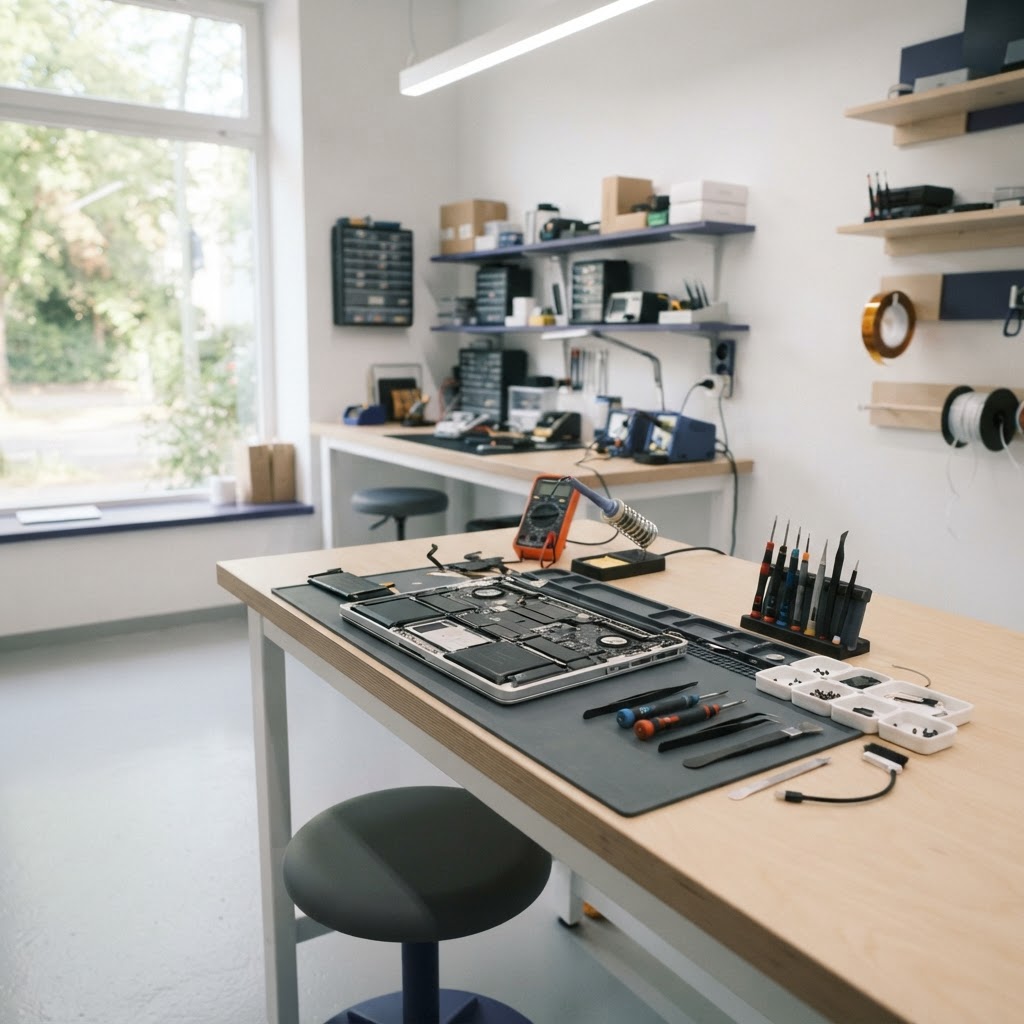
Slow is not the same as broken
A machine that takes several minutes to open a browser, but never freezes or crashes, is usually not faulty — it is just working with old, slow storage. That is an upgrade problem, not a repair problem, and it is the single most cost-effective improvement you can make.
Why the drive is often the bottleneck
Older laptops shipped with mechanical hard drives. Their read and write speeds are a fraction of a modern SSD's, which is why loading times feel painful even when the processor is fine.
What an upgrade actually involves
- Moving you to an SSD (SATA or M.2 NVMe, whichever your model supports)
- Cloning your existing Windows or macOS installation so nothing is lost
- Adding memory if your workloads regularly run out
- A full clean-up, including thermal paste renewal
When it is genuinely a repair
If the machine shuts down under load, shows error screens, refuses to boot, or produces grinding or clicking noises, the problem is elsewhere — a failing drive, overheating, memory faults or a power issue. Those need diagnosis before any upgrade makes sense.
Doing the maths honestly
We compare the cost of the upgrade against what a comparable new laptop would cost. On a machine that is only a few years old, the upgrade almost always wins. On a very old unit, we will tell you when putting money in is not worthwhile.
Book in for a free diagnosis and we will tell you which side of the line your laptop falls on.
- upgrade
- ssd
- performance
Facing this problem on your laptop?
Book a repair and we will diagnose the fault, quote the fix, and keep you updated online.